

Short answer: Days 1–30: one channel, one job, run by hand until a real case needs no fixes. Days 31–60: add two more jobs and put the first one on a schedule as a draft someone reviews. Days 61–90: bring in a second team and name a skills owner who isn’t the person who set it up.
Most AI rollout plans on a 30/60/90 calendar are written for enterprise pilots, with an eval set, a sandbox and a steering group. This one assumes a team of 5 to 50 and a lead with a day job. Week one is covered in the AI coworker onboarding checklist; this plan paces the three months after it, with one exit test per stage.
The 30/60/90 AI rollout plan at a glance
Each stage has a scope, one test that says you’re done, and a signal that says narrow or stop. Copy the table into your team doc and tick the exit test before moving on, not the date.
Stage | Scope | Done when | Narrow or stop if |
|---|---|---|---|
Days 1–30 | One channel, one job, run by hand weekly | A real case needs nothing fixed by hand, and every correction is saved as a rule | The same correction comes back twice |
Days 31–60 | Three jobs, one of them scheduled as a draft for review | Two weeks of scheduled runs arrived complete, each spot-checked | A run looked normal but was missing something |
Days 61–90 | A second team, and a named skills owner | The second team’s first job passes its own day-30 test | The person who set it up is still the only one who can fix things |
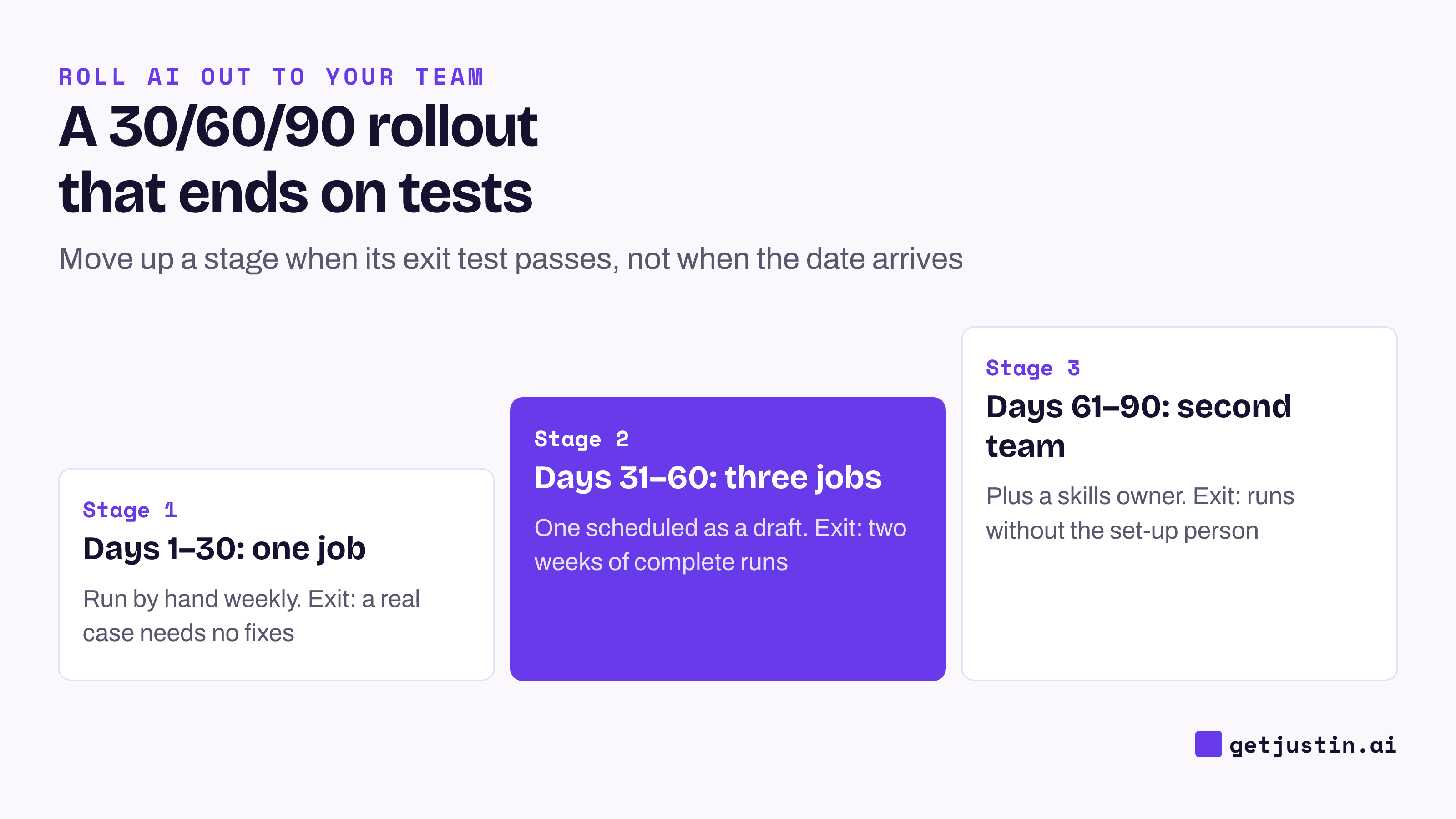
Figure: Each stage ends on a test, not a date; move up only when the test passes.
Days 1–30: one job, by hand, every week
In the first month, nothing runs on a schedule. The owner asks for the job by hand each week in the channel, reads every output, and corrects it in the thread. Running it by hand keeps a person looking at each output while the AI coworker is still wrong in ways nobody has found yet.
Pick the first job, the owner and the permissions as the onboarding checklist describes. What the rest of month one adds is repetition: four real runs, not one. The exit test is strict on purpose: a run on a real case that needs nothing fixed by hand. If the same correction comes back twice, the job is too broad; cut it down rather than adding instructions.
Days 31–60: three jobs and the first automation
Month two adds two jobs and puts one of the three on a schedule. Before adding a job, run the four-question filter from the guide to writing your first skill: only a recurring deliverable with three good past examples and one owner earns a place.
The first scheduled job should be a draft, not a send. On our CS team, scheduled jobs come in three shapes: syncs that update records, drafting jobs that post something marked “review before sharing”, and scan-and-approve jobs that list what they found and wait. Start with a drafting job, because nothing leaves the team until a person reads it.
Put the approval where people already are: the AI posts a numbered list in the conversation and stops, and the owner answers “approve #1 #3”. The AI agent usage policy template tells why we tore out a separate approval bot to get there.
Expect at least one quiet failure. One of our daily reports got nothing back from its meeting-notes source for 30 days and kept publishing, just without its meetings section. The fix we kept: a scheduled job must say what it didn’t get, and refuse to publish when a pull comes back short.
Days 61–90: a second team and a skills owner
Month three is about ownership, not scale. Bring in a second team, but have them copy the pattern, not the jobs: their own first job, their own owner, their own day-30 test.
Then name a skills owner, and make it someone other than whoever set things up. Automation hides load. When our CS ops lead measured July’s workload, the scheduled layer was running about 12 unattended runs for every hands-on session, and none of it had a backup owner. The ops lead’s own warning in that report: “the predictable failure mode is the automation layer, because it degrades quietly and nobody notices for weeks.”
The skills owner runs the library: names, review dates, who owns which job. The person closest to each job still writes and corrects it. As the team grows, the skills owner usually comes from an AI champions program.
When should you stop or narrow a rollout?
Stop or narrow when a stage’s signal fires, and treat that as part of the plan. In Stanford’s study of 51 enterprise deployments, 61% of successful projects included at least one prior failure (Stanford Digital Economy Lab, 2026). A small team’s version is cheaper: one job, dropped in week five.
Three rules cover most cases:
A repeated correction means the job is too broad. Narrow it before adding anything else.
A quiet failure on a schedule means back to by-hand runs until you know the cause.
An owner who is overloaded or leaving means no new jobs until someone else can cover.
Dropping a job isn’t failure. It frees the owner for a job that will be used.
The weekly check-in agenda
Hold a 15-minute check-in every week of the 90 days, with each job’s owner. Keep the same five questions, shown below, so the check-in stays short and a missed issue is obvious.
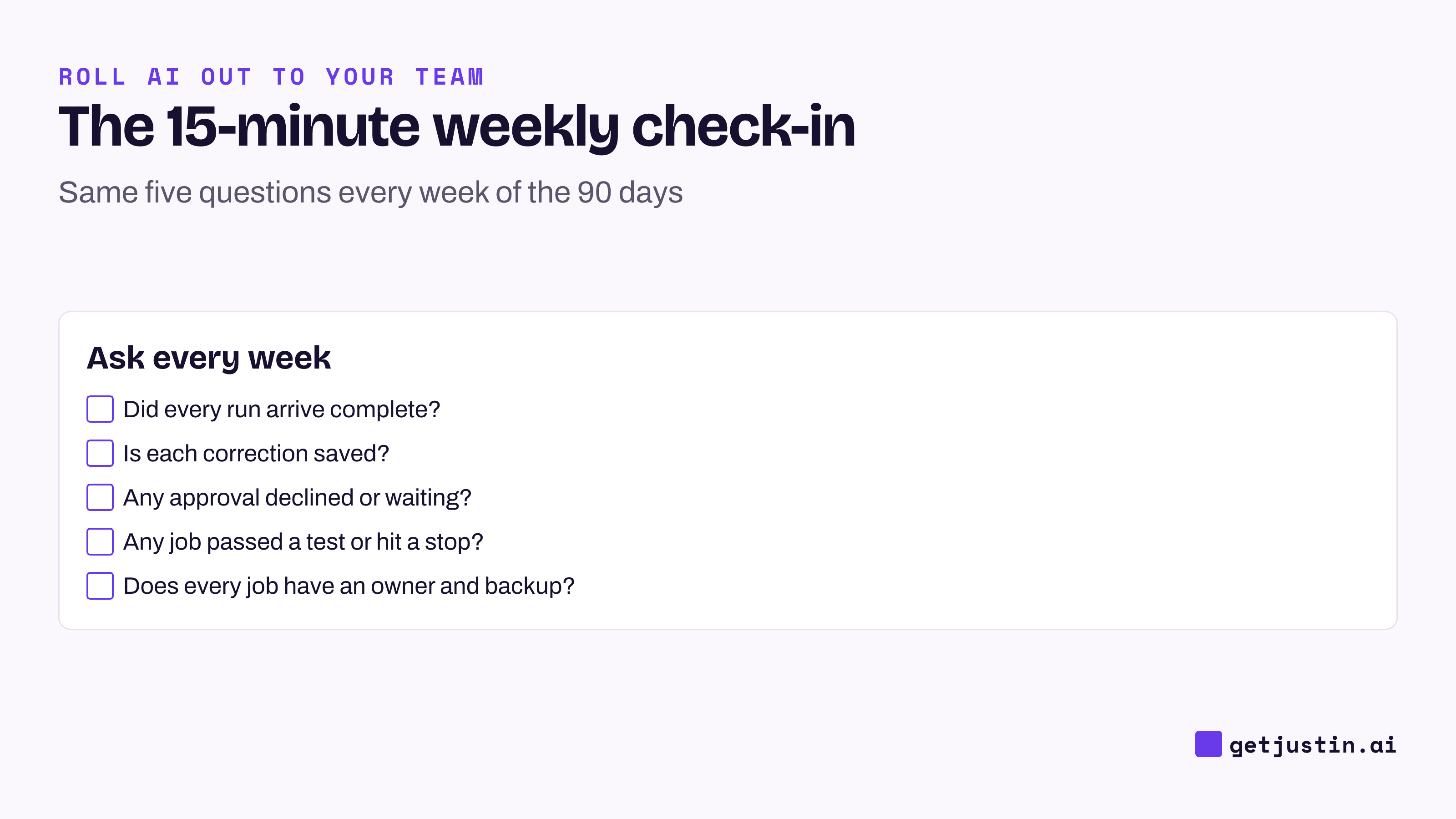
Figure: Five questions, the same every week; the fourth one moves the plan.
What ran, and did every run arrive complete?
What did we correct, and is each correction saved as a rule?
Is any approval declined or still waiting?
Has any job passed its stage test, or hit a stop signal?
Does every new job have an owner and a backup?
Post the answers in the channel afterwards. By day 90, the log shows what moved, what stopped and why, which is the input for the AI adoption scorecard.
FAQ
What should an AI rollout plan include?
An AI rollout plan should include a scope for each stage, one exit test per stage, a stop signal, and a named owner for every job. For a small team, that fits in one table and a weekly 15-minute check-in. Budget lines and steering groups can wait until more than one team is involved.
Is 90 days enough to roll out AI on a small team?
Ninety days is enough to get three jobs running and a second team started, which is a real rollout for a team under 50. It isn’t enough to hand over everything, and it shouldn’t try to be. If a stage’s exit test hasn’t passed, stay in that stage; the calendar is a guide.
When should you put an AI coworker’s job on a schedule?
Only after it has run by hand on real cases with nothing to fix, usually in the second month. Start with a job that posts a draft for someone to review, not one that sends or writes on its own. Run the first scheduled run manually so you see exactly what arrives.
Who should own an AI rollout on a small team?
Each job’s owner is the person who does that job today, with a backup. From the third month, a separate skills owner looks after the whole set: names, review dates and who owns what. Keep the person who set it up from becoming the owner of everything.
Doing this with Justin
Justin, the AI coworker for Slack, fits this pacing. In month one, invite it to one channel and @-mention it for the job each week; it replies in a thread, and if you ask it to remember a correction, it keeps it for the team. In month two, ask for the automation in a sentence and have Justin read the terms back so you can correct them. Run now lets you trigger the first run yourself, and Justin asks before it writes to your connected tools; approve once, or for that kind of action. In month three, the second team gets its own channel and its own first job, on the same account and connectors. Pause or delete any automation by asking.
Related reading
The team AI adoption scorecard: 8 metrics you can track yourself
From prompt library to skills library: collect your team’s best workflows